
Managed VPS Hosting
A managed VPS with full root access and no sysadmin job.
Reserved vCPU and RAM for your server alone, root from day one, and the operating system, security software and backups run by us.
- cPanel/WHM or Plesk free
- Free basic migration
- 24/7 helpdesk
- 99.99% infrastructure SLA
VPS Plans
Three sizes
Adding vCPU, RAM or storage later is a plan change, so nothing moves to new hardware. We schedule it with you and tell you up front if a short reboot is needed.
VPS-1
One busy site or application
$49.95/mo
billed monthly · 7 days’ notice to cancel
- 2 vCPU cores · 4 GB RAM
- 80 GB SSD RAID-10 storage
- 5 TB bandwidth · 1 Gbps port
- Full root access · cPanel/WHM or Plesk free
- CloudLinux & Imunify360 included
- Daily backups, 5-day retention (5 recovery points)
No teaser pricing
VPS-2
Where most server customers land
$89.95/mo
billed monthly · 7 days’ notice to cancel
- 4 vCPU cores · 8 GB RAM
- 160 GB SSD RAID-10 storage
- 5 TB bandwidth · 1 Gbps port
- Full root access · cPanel/WHM or Plesk free
- CloudLinux & Imunify360 included
- Daily backups, 5-day retention (5 recovery points)
No teaser pricing
VPS-3
Heavy traffic that needs headroom
$129.95/mo
billed monthly · 7 days’ notice to cancel
- 8 vCPU cores · 16 GB RAM
- 320 GB SSD RAID-10 storage
- 5 TB bandwidth · 1 Gbps port
- Full root access · cPanel/WHM or Plesk free
- CloudLinux & Imunify360 included
- Daily backups, 5-day retention (5 recovery points)
No teaser pricing
Bandwidth is metered: 5 TB a month, then $0.50 per GB No setup fees · free basic migration for standard cPanel or Plesk setups We aim to activate hosting within 24 hours of payment and verification, under our Terms of Service
Need an entire server’s resources? Virtual Dedicated Servers start at $299/mo, or see how VPS and VDS compare.
Standard on Every VPS
What’s included
Every plan comes with Core Managed: we look after the server underneath your applications, from OS security patches to the control panel. Inside the server, root is yours.
Reserved vCPU and RAM
The cores and memory in your plan are set aside for your server, so other customers on the host can’t use them. Storage and network are shared on the host.
Root access from day one
Install what your application needs over SSH, or manage sites, email and databases in cPanel/WHM or Plesk. The panel licence is free.
Patching and security
OS security patches, kernel updates, hardening, Imunify360 threat protection, and DDoS filtering at the edge of our network.
Daily backups, kept 5 days
Five recovery points on every plan. Request a restore through the helpdesk, which is open 24/7.
Technical details Virtualization, storage, network and access.
| Virtualization | KVM. Your vCPU cores and RAM are reserved for your server; storage and network are shared back-end resources on the host. |
|---|---|
| Storage | SSD RAID-10: 80, 160 or 320 GB by plan |
| Network | 1 Gbps port · 5 TB a month, then $0.50 per GB · dedicated IPv4 |
| Access | Full root over SSH · cPanel/WHM or Plesk, licence included |
| Security | OS security patching, kernel updates, hardening, Imunify360, CloudLinux, DDoS filtering at the network edge |
| Backups | Daily, 5 recovery points |
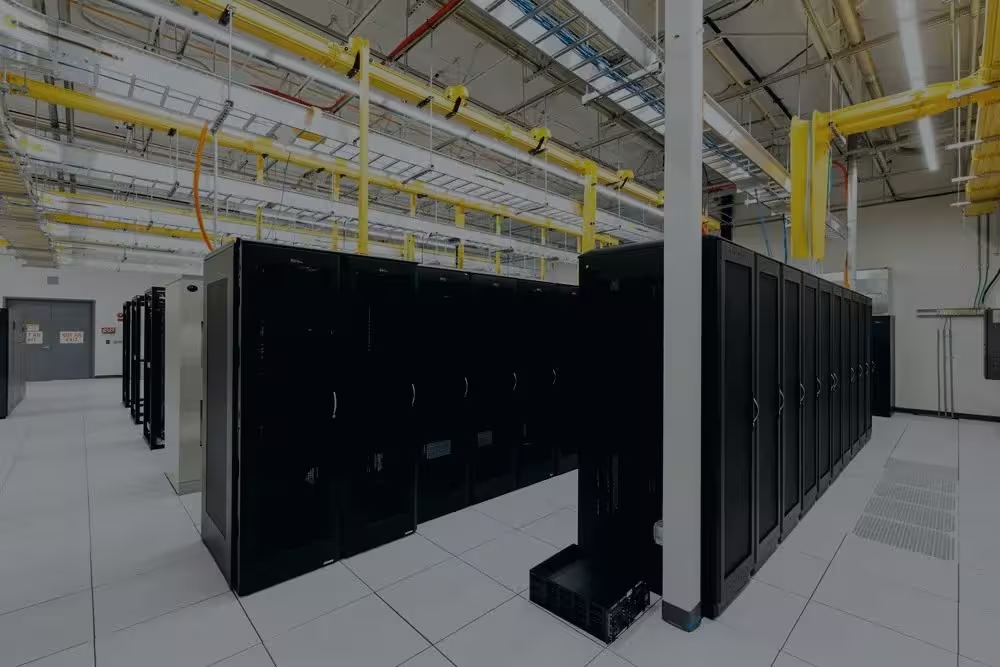
| Hardware | Servers Blue Arctic bought and racked, in Tampa, Florida. Infrastructure detail |
FAQ
Questions
What does “reserved” mean on a VPS?
KVM sets aside the vCPU cores and RAM in your plan for your server alone. Another customer on that machine cannot borrow them when their traffic spikes. Storage and network are different: those are shared back-end resources on a multi-tenant host, so we do not promise reserved disk speed. If your work needs the whole machine, that is a Virtual Dedicated Server.
What do I manage, and what do you manage?
We manage the hardware, the network and the virtualization layer, plus Core Managed: OS-level security patching, Imunify360 threat protection, CloudLinux setup, and cPanel/WHM or Plesk installation, updates and maintenance. Inside the server you have root, and what you install is yours to run. If you want our engineers watching your applications too, that’s Server Administration, from $199/mo.
Is a VPS the right fit for me?
Usually, if your site has outgrown shared hosting and keeps hitting its CPU or memory limit at busy times, if you need software a shared platform won’t install, or if an application or an auditor requires root access. It also suits APIs, stores with real order volume, SaaS, and agencies putting client sites on a server they control. If you don’t need root, a larger Shared Web Hosting plan is usually cheaper and simpler. If your work can’t share hardware at all, look at a Virtual Dedicated Server from $299/mo. If the driver is HIPAA, PCI DSS, SOC 2, CJIS or CMMC, ask about a custom compliance engagement instead.
How do backups work, and how long are they kept?
Daily, with 5 recovery points, so the oldest copy you can go back to is 5 days old. Shared hosting keeps 30 days, so this number gets smaller when you move up. To restore, open a helpdesk ticket saying what you need back, and we confirm the recovery point with you before anything is overwritten. Backups are a recovery layer, not a substitute for your own copies of anything business-critical.
How soon is the server ready, and will you move my site?
We aim to activate hosting within 24 hours of payment and verification, under our Terms of Service, with no setup fee. A basic migration from your current host is free for standard cPanel or Plesk setups.
How does billing work, and how do I cancel?
VPS plans are billed monthly. To cancel, give us 7 days’ notice before your renewal date in the client portal. The 30-day money-back guarantee covers Shared Web Hosting and Managed WordPress Hosting, not VPS.
Managed VPS Hosting
Order a VPS
Pick a plan and an engineer sets it up. On a standard cPanel or Plesk setup, the basic migration from your current host is free.